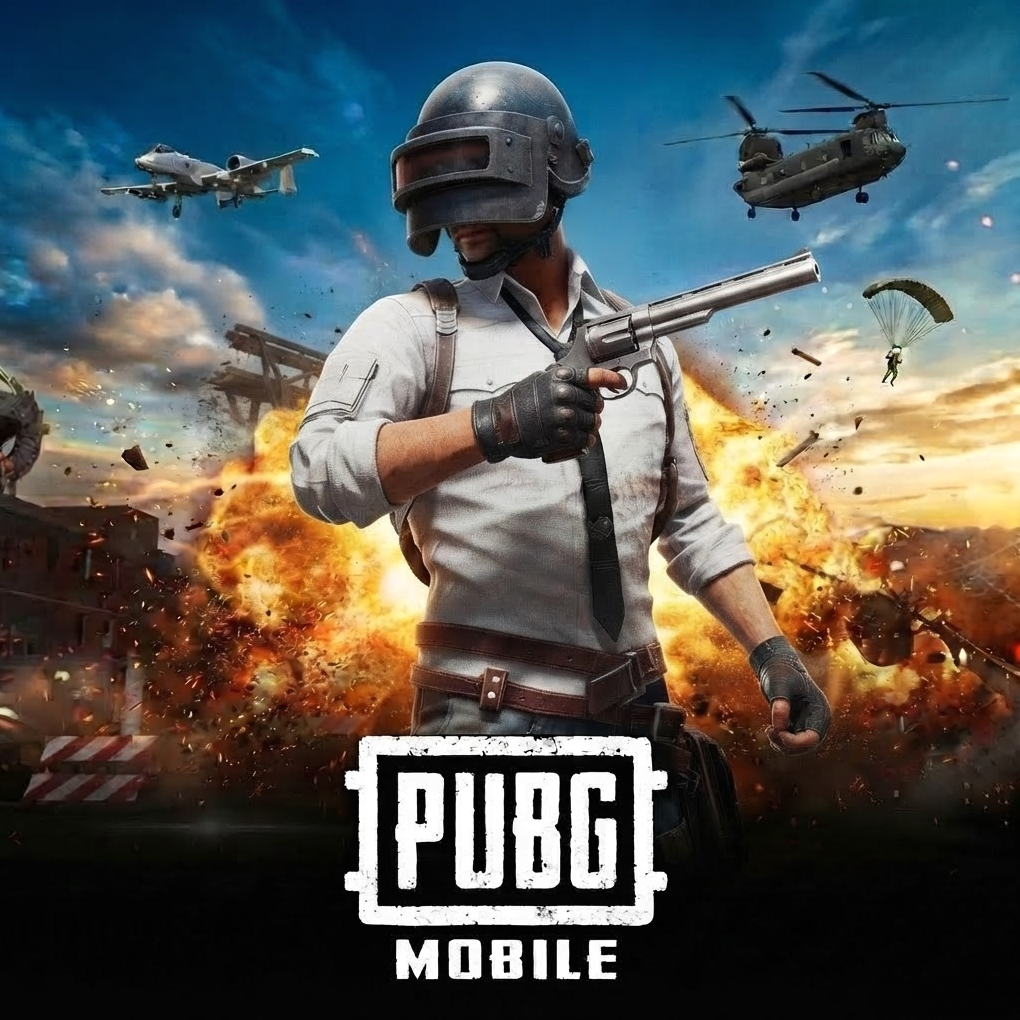
PUBG UC Buy BD Bkash – 60 to 30000+10500 UC, Elite Pass
Game / TopupDescription
PUBG UC buy BD bKash orders on FF Diamond BD only need your Player ID — no password, no email, and the UC bundles scale up with a bonus the larger you go.
FF Diamond BD sells PUBG Mobile UC (Unknown Cash) for the Bangladesh market in ten bundle sizes, from a plain 60 UC pack up to a 30000 UC bundle that carries a 10500 UC bonus on top. Alongside straight UC, the same page lists Elite Pass, Elite Pass Plus, and a limited draw item. Payment clears through bKash, Nagad, Rocket, or Upay, and UC is credited automatically once payment is confirmed.
How to complete a PUBG UC buy BD bKash order
The order flow is three steps, with no account login required.
- Open the PUBG Mobile UC Top Up product page and pick a UC bundle, Elite Pass tier, or the draw item.
- Enter your PUBG Mobile Player ID — this is the only account detail the checkout asks for.
- Select bKash, Nagad, Rocket, or Upay and complete payment; UC or the pass is credited to that Player ID once payment is confirmed.
Which payment method works best for a PUBG UC buy BD bKash order?
bKash, Nagad, Rocket, and Upay all confirm instantly on this site, so the choice comes down to which wallet you already keep funded.
| Payment Method | Typical Use Case | Confirmation Speed |
|---|---|---|
| bKash | Most widely held mobile wallet in Bangladesh | Instant |
| Nagad | Preferred by users on Nagad's promotional rates | Instant |
| Rocket | Common for Dutch-Bangla Bank account holders | Instant |
| Upay | Alternative wallet for UCB account holders | Instant |
bKash, Nagad, Rocket, and Upay are named here only as the checkout rails available — the reason to trust a PUBG UC buy BD bKash order comes from how the bundles and support are laid out on FF Diamond BD itself, not from any wallet brand.
Why buy PUBG UC BD bKash from FF Diamond BD?
Three specific, checkable details set this checkout apart from a generic top-up form.
- Bonus UC scales with bundle size and is shown upfront: the 300 UC pack lists a 25 UC bonus, and the largest 30000 UC pack lists a 10500 UC bonus — both bundle and bonus amounts are visible before you pay, not added as a surprise afterward.
- Elite Pass options sit on the same page as UC: the A20 Elite Pass (Lv.1-50), Elite Pass (Lv1-100), and Elite Pass Plus (Lv1-100) are all listed alongside the UC bundles, so pass buyers don't need a separate product page.
- Support is linked directly from the product page: the Contact Us page sits in the top navigation, not behind a help-center search.
What mistakes cause a PUBG UC buy BD bKash order to fail?
Most delivery problems trace back to one of three avoidable errors.
- Entering the wrong Player ID — UC is credited to whatever ID is entered at checkout, so a typo sends the purchase to the wrong account.
- Confusing a UC bundle with an Elite Pass purchase — the Elite Pass and Elite Pass Plus are separate line items from the UC bundles, and buying UC alone won't unlock Elite Pass rewards.
- Assuming every bundle carries the same bonus rate — the bonus percentage isn't flat across all ten UC bundles, so it's worth comparing the listed bonus for your target bundle rather than assuming it scales evenly.
What PUBG UC bundles and passes does FF Diamond BD list?
Ten UC bundle sizes plus three pass tiers and one draw item make up the full lineup.
The UC ladder runs from a plain 60 UC pack through bundles that add a bonus on top — 300+25 UC, 600+60 UC, 1500+300 UC, 3000+850 UC, 6000+2100 UC, 12000+4200 UC, 18000+6300 UC, 24000+8400 UC, and 30000+10500 UC. Alongside UC, the page also lists the A20 Elite Pass (Lv.1-50), Elite Pass (Lv1-100), Elite Pass Plus (Lv1-100), and a 50-draw option for the Druvaen X-Suit.
What happens if PUBG UC doesn't arrive after payment?
Contact support through the Contact Us page with your Player ID and transaction details before ordering again.
Because UC is tied to the Player ID entered at checkout, a delivery issue is almost always traceable to that ID — the Contact Us page is the right first step rather than placing a second order for the same bundle.
Why do a PUBG UC buy BD bKash order locally instead of through the official store?
Local bKash, Nagad, Rocket, and Upay checkout removes the international card requirement that PUBG Mobile's own in-game store often expects.
Many Bangladeshi PUBG Mobile players don't hold an internationally-billable card, so a site that accepts bKash, Nagad, Rocket, and Upay directly — the same wallets used for everyday bill payments — removes a checkout barrier that PUBG Mobile's official site doesn't solve for BD players on its own.
Frequently asked questions about PUBG UC buy BD bKash
Do I need my PUBG Mobile password to buy UC?
No — only your Player ID is required at checkout; no password or login is needed.
Which payment methods work for a PUBG UC buy BD bKash order?
bKash, Nagad, Rocket, and Upay are all accepted at checkout.
Do larger UC bundles include a bonus?
Yes — bundles from 300 UC upward list a bonus amount alongside the base UC, up to a 10500 UC bonus on the largest 30000 UC bundle, and the bonus rate isn't flat across every bundle.
Can I buy an Elite Pass on the same page as UC?
Yes — the A20 Elite Pass, Elite Pass (Lv1-100), and Elite Pass Plus (Lv1-100) are listed alongside the UC bundles as separate purchase options.
What should I do if my UC doesn't arrive?
Contact support through the Contact Us page with your Player ID and transaction details rather than placing a second order.
Is a PUBG UC buy BD bKash purchase credited automatically?
Yes — UC or the selected pass is credited to the Player ID entered at checkout once payment is confirmed, with no additional login step required.